Salesforce Fundamentals: Part 2 - Users
Published 26/09/2025

In Part 1, you explored what Salesforce is and how it fits into the wider ecosystem. Now, in Part 2, we shift from the big picture into the practical foundations every admin or developer needs: editions, licensing, users, profiles, permission sets, and the security model that shapes how people access the platform.
User Management and Security
Section titled “User Management and Security ”Ensuring that the right people have the right access to the right data is a critical aspect of Salesforce administration. Salesforce provides a robust security model that allows you to control access at various levels, ensuring data integrity and compliance.
👥 Users in Salesforce
Section titled “👥 Users in Salesforce”In Salesforce, a “user” is any individual or system identity that is authorised to access the Salesforce platform. A user may authenticate directly with Salesforce or through an external identity provider such as Single Sign‑On (SSO). Regardless of how they authenticate, each user has a license, a profile, and permissions that determine what they can see and do. Users can be categorized into several types, each serving different roles within an organization:
- Employees: These are internal users who utilize Salesforce to perform their daily tasks, such as sales representatives, customer service agents, and marketing professionals. They interact with Salesforce to manage customer relationships, track sales activities, and analyze data.
- Partners: External users who collaborate with the organization, such as resellers, distributors, or service providers. Partners typically access Salesforce through a partner community, allowing them to engage with the business, share information, and manage joint opportunities.
- Customers: In the context of Experience Cloud, customers can also be users who log in to access self-service portals, communities, or forums. This allows them to interact with the organization, find information, submit service requests, and engage with other community members.
- Integration Users: These are non-human users created specifically for system integrations. Integration users facilitate the connection between Salesforce and other systems, enabling data exchange and process automation. They are often used for API access and are assigned specific permissions to ensure secure and efficient data handling.
Each user in Salesforce is assigned a unique username and requires a license to access the platform. The type of license determines the level of access and functionality available to the user, ensuring that they have the appropriate tools to perform their roles effectively.
🍎 Core User‑Management Capabilities
Section titled “🍎 Core User‑Management Capabilities”Creating, Updating, and Organizing Users
Section titled “Creating, Updating, and Organizing Users”- User creation (single and bulk) — Add users individually, use Add Multiple Users, or load them via Data Loader for large onboarding waves.
- Editing user details — Update roles, profiles, time zones, locale, email, manager, and feature access as people change jobs or responsibilities.
- Assigning licenses and permission sets — Control what each user can access by combining user licenses, feature licenses, and permission sets.
Controlling Access and Availability
Section titled “Controlling Access and Availability”- User deactivation and freezing — Freeze a user to block login temporarily or deactivate them when they leave the organisation. Users cannot be deleted, so deactivation is the long‑term state.
- Login access policies — Salesforce provides login access policies to control when and where users can log in to the platform. This includes setting login hours and IP address restrictions to enhance security and prevent unauthorized access.
- Session Management — View and revoke active sessions, enforce session timeouts, and manage session security levels.
Monitoring and Troubleshooting
Section titled “Monitoring and Troubleshooting”- Login history and login forensic data — Review successful and failed logins, identify unusual access patterns, and troubleshoot authentication issues.
- Password management — Reset passwords, unlock users, and enforce password policies.
- Health checks for user access — Identify users with excessive permissions, unused licenses, or misaligned access.
By effectively managing users and their access, organizations can ensure that Salesforce is used efficiently and securely, supporting business operations and growth.
Trailhead Module Recommendation: For the overal security of your org, look at the Security Basics module. The User Management module shows how to set up users and control how they can view or edit your business data. It would be useful to follow this up with User Authentication to secure your org with multi-factor authentication, My Domain, and single sign-on.
Profiles, Permission Sets, and Roles
Section titled “Profiles, Permission Sets, and Roles”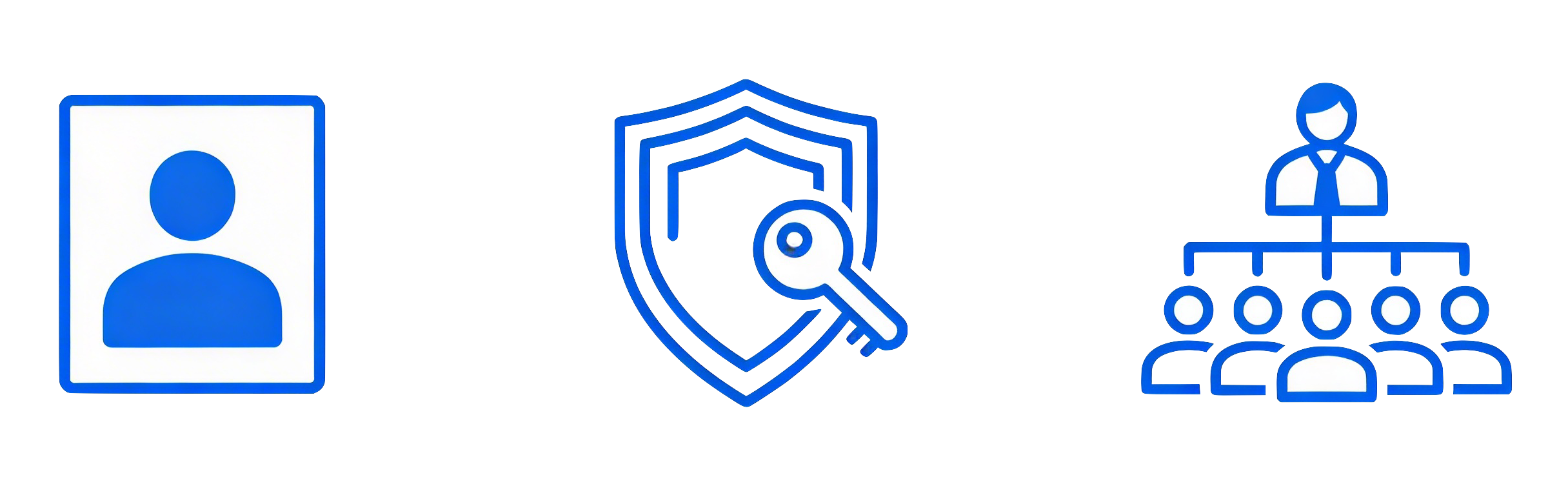
Within Salesforce’s user management framework, Profiles, Permission Sets, and Roles play a pivotal role in defining and controlling user access and permissions. These components work together to maintain data security and ensure users have the appropriate level of access to perform their tasks effectively.
👤 Profiles
Section titled “👤 Profiles”Profiles are traditionally the cornerstone of Salesforce’s security architecture, determining what users can see and do within the platform. Each user is assigned a profile that outlines their permissions and access to various Salesforce features. Key aspects of profiles include:
- Object-Level Access: Profiles control access to Salesforce objects, specifying which objects a user can view, create, edit, or delete. This ensures that users only interact with the data relevant to their roles.
- Field-Level Security: Within each object, profiles can restrict access to specific fields, allowing users to view or edit only the fields necessary for their tasks. This granular control helps protect sensitive information.
- App and Tab Access: Profiles determine which apps and tabs users can access, tailoring the Salesforce interface to their specific needs and responsibilities.
- System Permissions: Profiles include system permissions that grant users the ability to perform certain actions, such as exporting data or managing reports.
🔐 Permission Sets
Section titled “🔐 Permission Sets”Permission Sets offer much of the same control as Profiles, providing an additional layer of flexibility in Salesforce’s security model. They allow for more granular and dynamic permission management. Key aspects of Permission Sets include:
- Multiple Assignments: Unlike Profiles, administrators can assign multiple permission sets to a single user, making it easier to combine different access levels as needed. Permission Sets are additive, meaning they only add permissions and cannot remove or restrict permissions that exist in the profile.
- Granular Control: Permission Sets offer more granular, flexible, and scalable permission management, enabling admins to assign and layer permissions without creating numerous profiles.
- Dynamic Assignment: They allow for dynamic assignment of permissions to users with unique needs or temporary access requirements, without altering their primary profile.
- Permission Set Groups: These allow administrators to bundle multiple permission sets into a single group, streamlining the assignment process and making it easier to manage complex permission structures. This feature enhances scalability and simplifies the management of user permissions.
- Future Direction: Salesforce is focusing new admin and security features on Permission Sets, signaling the future direction of user access management. It is best practice to start migrating to Permission Set–based access models as early as possible.
Trailhead Module Recommendation: The Data Security module shows how to control access to data using point-and-click security tools then look at Permission Set Groups to understand how to bundle permission sets for a job function:
🏛️ Roles
Section titled “🏛️ Roles”Roles in Salesforce help govern record-level access and are organized in a hierarchy that mirrors your organization’s structure. The role hierarchy ensures that users higher in the hierarchy have access to all records owned by users below them. Key aspects of roles include:
- Record-Level Access: Roles determine which records a user can view or edit, based on their position in the role hierarchy. This access is crucial for maintaining data visibility and collaboration across teams.
- Hierarchical Structure: The role hierarchy reflects the organizational structure, allowing for easy management of data access. Users at higher levels can access records owned by users at lower levels, facilitating oversight and collaboration.
- Collaboration and Reporting: Roles enable effective collaboration by ensuring that team members have access to the records they need. They also support reporting by allowing managers to view data across their teams.
By effectively managing profiles, permission sets and roles, organizations can ensure that users have the appropriate access to Salesforce features and data, enhancing security and productivity.
🛡️ Other Security Concepts
Section titled “🛡️ Other Security Concepts”In addition to Profiles, Permission Sets, and Roles, Salesforce offers several other security concepts that help manage data access and ensure compliance with organizational policies. These concepts provide additional layers of control and flexibility in managing user access.
Record Sharing
Section titled “Record Sharing”- Organization-Wide Defaults (OWD): Organization-Wide Defaults establish the baseline level of access to records for all users within the Salesforce org. They determine the default visibility of records, such as whether records are public, private, or read-only. OWD settings are crucial for setting the foundation of data security and ensuring that sensitive information is protected by default.
- Sharing Rules: Sharing Rules allow administrators to create exceptions to the Organization-Wide Defaults by granting additional access to specific users or groups based on criteria or roles. This enables dynamic customization of access, allowing for more granular control over who can view or edit records. Sharing Rules are particularly useful for facilitating collaboration across teams and departments while maintaining data security.
- Manual Sharing: Manual Sharing allows individual users to share specific records with other users on an ad-hoc basis. This feature provides flexibility for users to collaborate on specific records without altering the overall security model.
Monitoring and Compliance
Section titled “Monitoring and Compliance”- Audit Trail and Monitoring: Salesforce offers audit trail and monitoring tools to track changes made to data and configurations. These tools provide visibility into user actions and help identify potential security issues or compliance violations.
By leveraging these security concepts, organizations can create a comprehensive security framework that protects data, supports compliance, and facilitates collaboration across the Salesforce platform.
📏 Best Practices for Managing Access
Section titled “📏 Best Practices for Managing Access”Effective access management is crucial for maintaining security and ensuring that users have the appropriate permissions to perform their roles. Here are some best practices to consider:
- Implement the Principle of Least Privilege: Assign the minimum necessary access to users, ensuring they have only the permissions required to perform their tasks. This minimizes the risk of unauthorized access and data breaches.
- Use Profiles, Roles, and Permission Sets Appropriately: Assign users a minimal baseline profile for foundational permissions, use roles to define record-level visibility hierarchies, and leverage permission sets and permission set groups to grant flexible, task-specific permissions without creating excessive profiles, ensuring a scalable and secure access management model
- Implement Permission Set Groups: Bundle related permission sets into groups for easier assignment to users with common roles, simplifying permission management and enhancing scalability.
- Regularly Audit User Access: Conduct frequent reviews to remove unused permissions and update roles according to changing job requirements. Use available tools like Permission Analyzer and Setup Audit Trail for insights into user access and potential security issues.
- Define Clear Organization-Wide Defaults (OWD): Set the baseline level of access at the org level, considering security and collaboration needs. OWD settings establish the default visibility of records and ensure sensitive information is protected.
- Use Sharing Rules and Public Groups for Flexible Access: Grant exceptions to OWD through sharing rules based on roles, criteria, or groups, allowing for dynamic customization of access.
- Enforce Multi-Factor Authentication (MFA): Require MFA to add an extra layer of security beyond passwords, enhancing protection against unauthorized access.
- Implement SSO: Single Sign-On (SSO) can strengthen Salesforce security by consolidating user authentication into a single, centrally managed process. It eliminates multiple credentials across systems, ensures the use of secure authentication standards, and gives administrators centralized control over user access and monitoring.
- Restrict Logins by IP and Time: Limit login access based on IP ranges and login hours in profiles to reduce the risk of unauthorized access.
- Automate Access Management: Use Salesforce Flows and Apex to automate role and permission assignment based on user attributes, decreasing manual errors and improving efficiency.
By following these best practices, organizations can ensure that Salesforce access is managed securely and efficiently, supporting both operational needs and data protection.
Trailhead Module Recommendation: The Protect Your Data in Salesforce is a hands-on project to guide you through securing your Salesforce org by controlling login and data access for users
🚀 Next steps
Section titled “🚀 Next steps”With users and access in place, the next layer to understand is the data itself. In Data Model, you’ll explore objects, fields, relationships, record IDs, and namespaces — the structural foundations that everything from automation to Apex builds on.