

Salesforce Guides
Choose a connected learning journey or go straight to the Salesforce skill, product, or role you need.
Salesforce is too broad for one sensible reading order. Someone learning how objects and sharing fit together needs a connected foundation. Someone diagnosing a non-selective query or deciding whether to use SOSL needs a direct route to that problem.
JamForce organises guides in both ways. Follow the Salesforce Developer Journey when each concept needs to build on the one before it, or choose a specialist collection when you already know where the friction is.
🧭 Choose your route
Section titled “🧭 Choose your route”Start with the row closest to the decision in front of you. You can follow a collection in order, but you do not need to restart from platform basics every time you need one focused answer.
| What you need | Start here | Where it leads |
|---|---|---|
| A complete route through Salesforce | Salesforce Developer Journey | Platform foundations, administration, development, UI frameworks, and production judgement. |
| A stronger platform foundation | How the Salesforce Platform works | Users, data modelling, automation, reporting, data management, and sharing. |
| Help running an existing org | Org Health and Monitoring | UI customisation, Flow, approvals, metadata, email, sandboxes, and release discipline. |
| A move from clicks into code | Developer Mindset and Toolkit | Apex, queries, triggers, asynchronous work, integrations, testing, and deployment. |
| Safer and more capable queries | SOQL Fundamentals | Filtering, relationships, aggregates, dates, performance, security, APIs, and dynamic SOQL. |
| Search across objects and fields | When to use SOSL | Search syntax, result shaping, limits, security, and Apex integration. |
| Clarity about the ecosystem | Salesforce Products or Salesforce Roles | Product boundaries, role responsibilities, career direction, and the hand-offs between teams. |
🚀 Follow the connected Developer Journey
Section titled “🚀 Follow the connected Developer Journey”If you are unsure where to begin, start here. The Developer Journey moves from the platform model into real org administration, then into code and the UI layer. It is designed so that later decisions about Apex, security, integrations, and deployment rest on context you have already built.
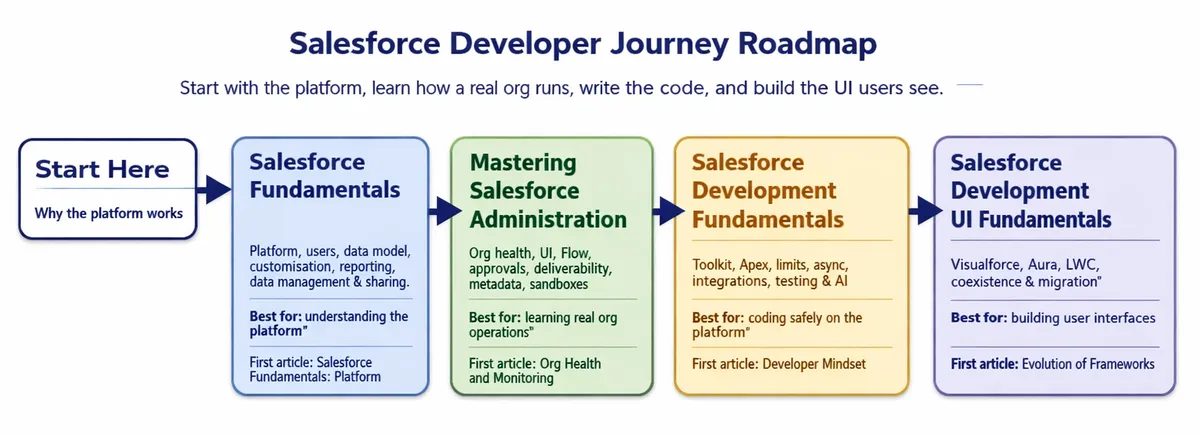
The route is intentionally wider than a developer syllabus. Good Salesforce developers need to understand how admins operate the org, how access is designed, and why a technically valid change can still create an operational problem.
You do not have to start at the beginning. These are the four points people most often join at:

Run a healthier org as an admin
Org health and monitoring first, then Lightning UI customisation, Flow, approvals, metadata, email, and release discipline.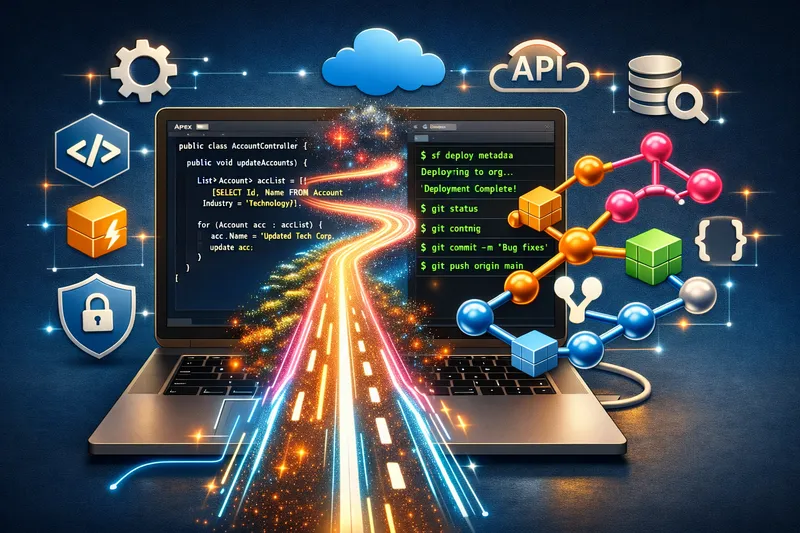
Open the developer track with confidence
Tooling, first deliverables, and the mindset that keeps triggers, tests, and governor limits under control.
AI and your future job as a Salesforce developer
Where assistants help, where they mislead, and why design and review matter more when code writes itself.📚 Browse the specialist collections
Section titled “📚 Browse the specialist collections”Use these when you have a defined subject rather than a whole career path to work through. Each collection has its own starting page and reading order, while cross-links bring in the wider platform context where it matters.

SOQL Essential Guide
Build reliable queries from SELECT and WHERE through relationships, aggregates, date handling, ordering, and TYPEOF.
Advanced SOQL
Work with selectivity, security context, Apex, dynamic queries, APIs, Lightning, and the limits that appear at scale.
SOSL Guide
Learn when search is the right retrieval model, then shape results safely across objects, fields, and Apex.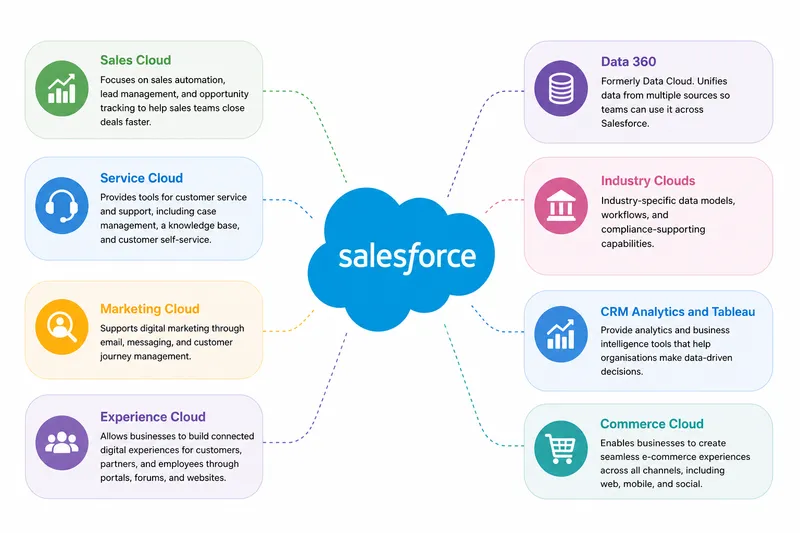
Salesforce Products
Understand what the major Salesforce products are for, where their boundaries sit, and how they connect around shared data.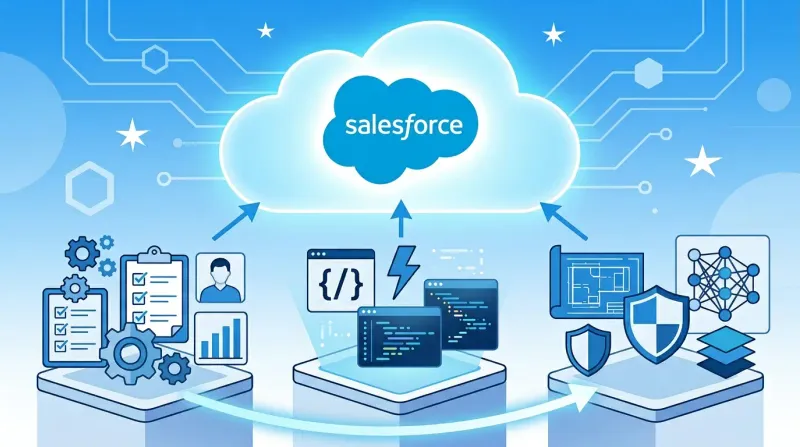
Salesforce Roles
Compare Admin, Developer, and Architect work by the outcomes each role owns, not by job title alone.🎯 Start with the decision in front of you
Section titled “🎯 Start with the decision in front of you”If you are learning Salesforce from the beginning, use the Developer Journey and keep a practice org beside you. If you arrived with a specific problem, open the closest specialist collection and follow its cross-links only when you need more context. The aim is not to read every page. It is to understand the next decision well enough to make it safely.
Looking for a release change, migration deadline, or a production incident rather than a learning path?
Read the Salesforce articles Go to release analysis, migration runbooks, platform changes, and lessons drawn from real production problems.